Orchestrate AI with Betty Blocks
Give AI assistants access to your business data and workflows. Betty Blocks MCP Server connects AI clients like Claude, Copilot, and ChatGPT to your applications - configured through the platform's visual interface, no custom integration code required.

AI without context is limited
Current AI assistants like ChatGPT and Claude are powerful for ideation but remain trapped outside your business context. Without deep integration into your live data and workflows, they rely on manual, outdated inputs and lack the power to execute real-world actions. The result? They stay “interesting assistants” instead of becoming true operational capabilities.
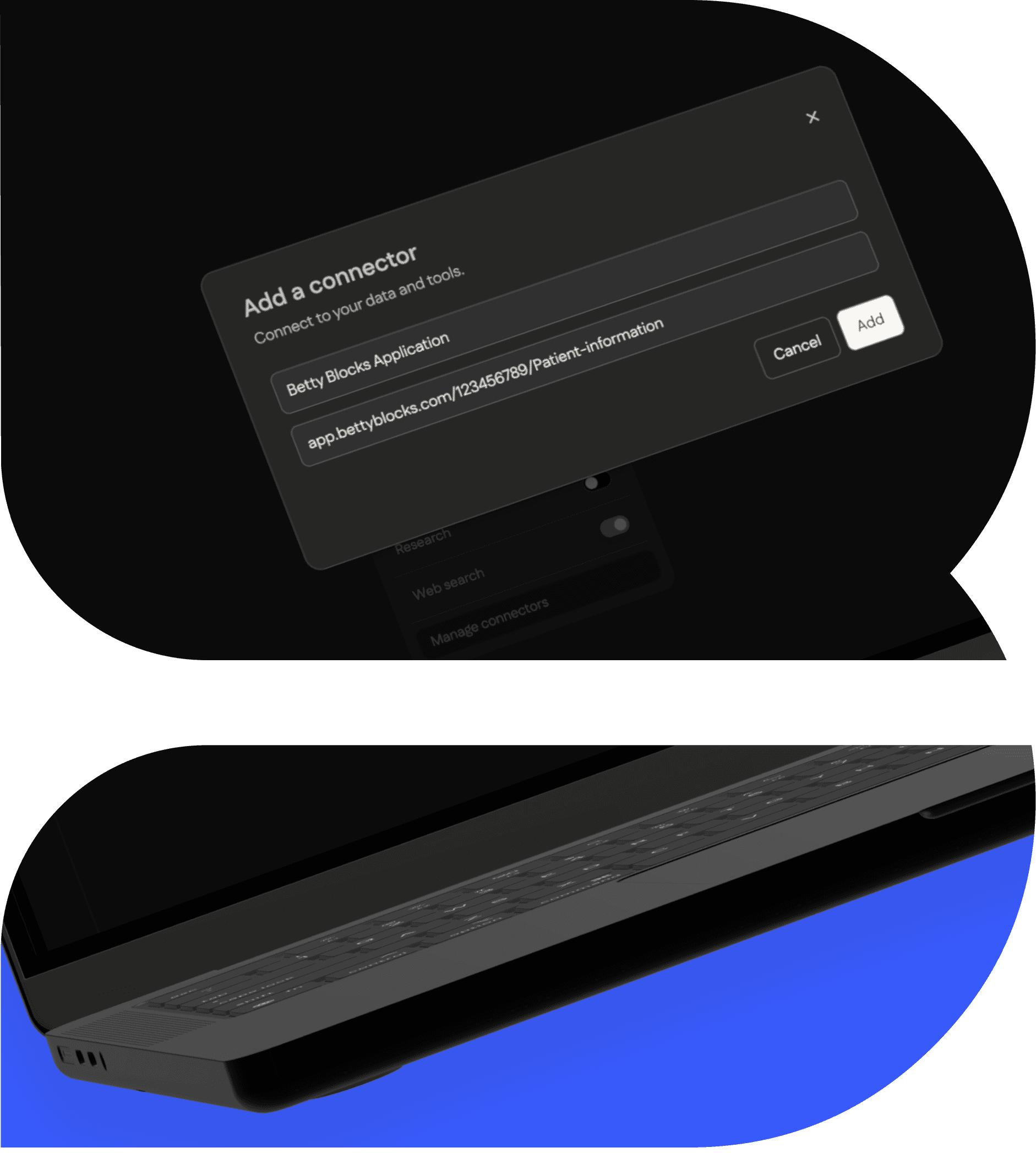
Connects AI to your applications
Turn AI into an operational tool - no custom code needed
Betty Blocks MCP server acts as the governed orchestration layer between AI models and your enterprise systems. Built on low-code, it empowers you to define AI context, tools, and workflows visually - without writing complex integration code. MCP servers are built as exportable actions, ensuring you retain ownership and avoid vendor lock-in.
AI without context is limited